How to choose a CRM: a 12-point checklist before you buy
What to check when choosing a CRM: your processes, the trial, language, mobile, stock and finance, integrations, permissions, security, data export and the real price. A practical checklist.
· SBT Consulting & Solutions
Before you start: write your process on one page
Before you look at any software, write down on one sheet how your sales actually work: where customers come from, who replies, which stages they go through, how an order is formalised and how payment is collected. This is your main selection criterion. If you are just learning what a CRM is and which problems it solves, start here: crm.sbt.az/blog/crm-nedir. On defining your stages: crm.sbt.az/blog/satis-qifi-nece-qurulur.
Functionality: does the software do your job?
- 1. Can it be set up for your process? You should be able to change sales stages, fields and statuses yourself, without calling a developer.
- 2. Does it cover what happens after the sale? In many businesses a sale ends with an order, stock, an invoice and a receivable. If these live in another program, data will drift back to Excel.
- 3. Can the team work on the phone? For salespeople, couriers or managers in the field, a mobile version is a must.
- 4. Is the language comfortable for everyone? If your team speaks different languages, the interface should be available in theirs.
Integrations and channels
- 5. Where do customers write to you? WhatsApp, Telegram, website forms, email — enquiries should land in one place, or they get lost.
- 6. How does it connect to accounting? If you use 1C, customers, orders and payments should not be typed twice.
- 7. Are the reports and analytics enough? A manager should see the needed figure without copying data into Excel.
Security and control
- 8. How precise are the permissions? A salesperson should see only their own customers, an accountant only finance; who changed what should stay in the history.
- 9. Is sign-in protected? Two-factor authentication (2FA) and passwordless sign-in are standard by now.
- 10. Is the data yours? You should be able to export customers, orders and reports to Excel at any time. This protects you even if you switch systems later.
Price and getting started
- 11. What is the real price? Look at the total monthly amount for your team and the sections you need, not the price per user. Ask whether implementation, data migration and training are charged separately.
- 12. Can you test it with real data? During the trial, enter 20–30 of your own customers and a week of orders. Every system looks good with demo data.
How to run the trial week
The trial should involve not one person, but the 2–3 people who will actually use the system: a salesperson, a manager and, if possible, the accountant. Each of them should do their real daily work in it: the salesperson leads and tasks, the manager reports, the accountant invoices and receivables. At the end of the week ask one simple question: «Did this make our work easier?» If the answer is not yes, a long feature list will not help. To plan the trial week step by step, see our next article: crm.sbt.az/blog/crm-7-gunde-tetbiq.
How SBT CRM answers these questions
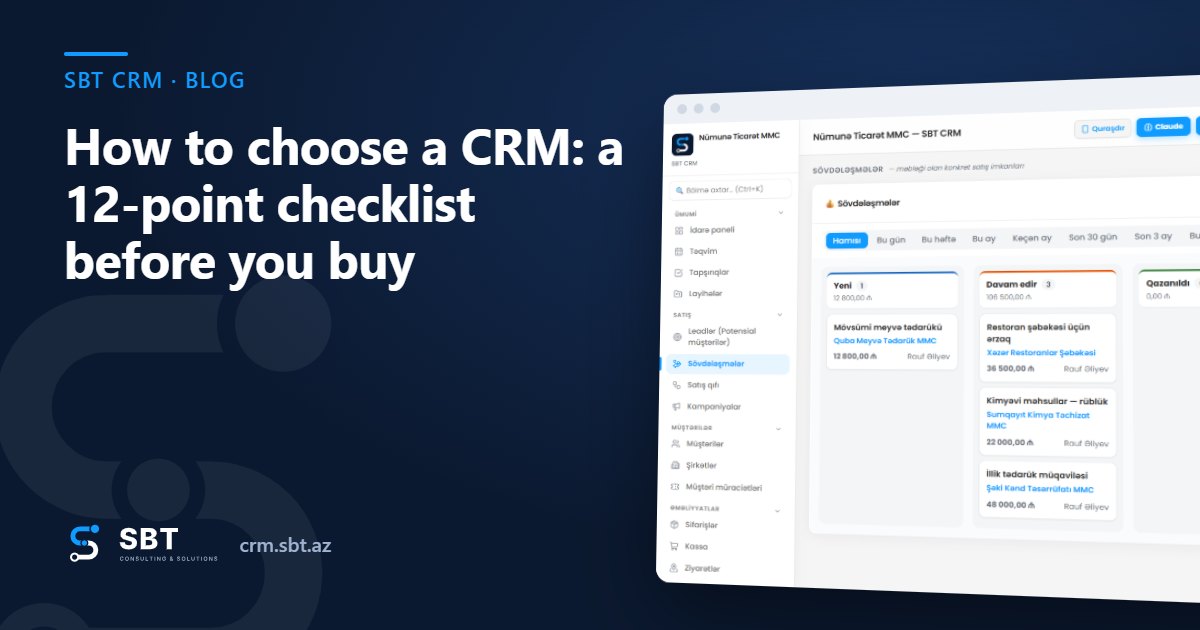
SBT CRM brings together leads, customers, deal stages, tasks, orders, stock, POS, invoices, receivables, payroll and bonuses, attendance and GPS-verified field visits in one system. It integrates with WhatsApp, a Telegram bot, 1C and Power BI. The interface is available in AZ / EN / RU and installs on a phone like an app. Roles and permissions, 2FA, passwordless sign-in and Excel export of lists are all included.
Plans: Starter 59, Standard 149, Business 299 AZN/month; for shops and pharmacies there is a separate «Kassa + Anbar» plan (POS + stock) at 99 AZN/month. Compare: crm.sbt.az/pricing. 7 days free, no card required: crm.sbt.az/signup. Features for sales teams: crm.sbt.az/solutions/satis-proqrami. If you also need a website, taking SBT Web together with the CRM gives 20% off both: web.sbt.az. Help with choosing: info@sbt.az · +994 55 455 27 26.
Frequently asked questions
Does a small team need a CRM?
Yes, once the number of customers grows or several people work with the same customers. Even for a team of 2–3, the main benefit is that enquiries are not lost and tasks are done on time.
Cloud CRM or our own server?
With a cloud CRM, servers, updates and backups are the provider's job, and you can start within days. A system on your own server needs a separate IT budget and responsibility.
Do we keep the data entered during the trial?
In SBT CRM, when you choose a plan after the trial you continue in the same account, so there is no need to re-enter data.